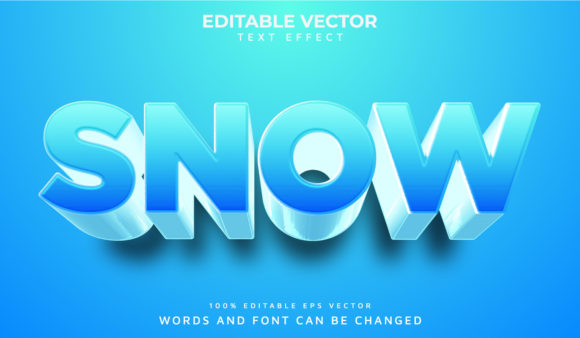
Snow 3D Text Effect
Imagine typing a word—and watching it instantly transform into something that looks like it’s been carved from fresh, glistening snow, with soft shadows, subtle depth, and a gentle frosty glow. That’s the charm of the Snow 3D Text Effect: a digital design technique that gives flat text realistic dimension, texture, and wintry atmosphere—without needing advanced 3D software or months of training.
What It Is (and What It Isn’t)
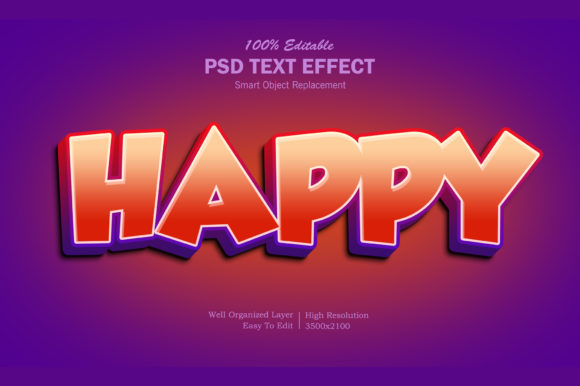
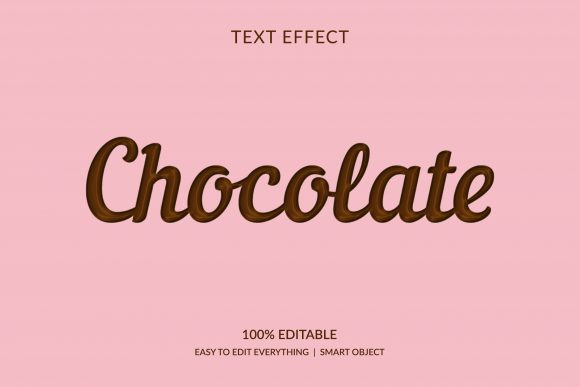
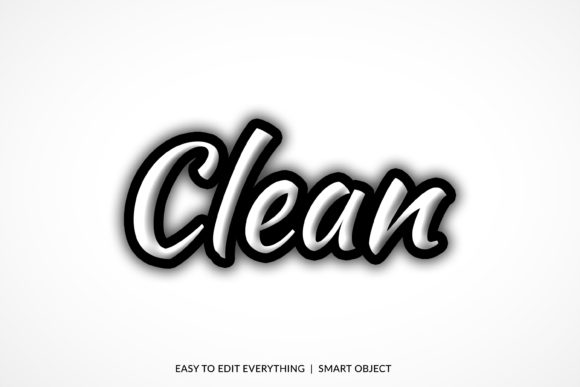
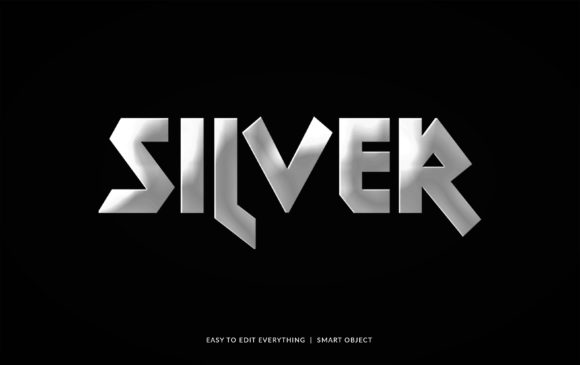
The Snow 3D Text Effect isn’t a single tool or app—it’s a visual style achieved through layered techniques: combining bevels, inner shadows, gradient overlays, noise textures, and soft highlights to mimic how light catches real snow. Unlike heavy 3D modeling, this effect works beautifully in common tools like Photoshop, Canva, Figma, or even CSS for web designers. It’s lightweight, fast to apply, and highly customizable—ideal for creators who want impact without complexity.
It’s not about photorealism in every detail. Instead, it’s about evoking feeling: crispness, quiet, freshness, or seasonal warmth. A “Winter Sale” banner feels more inviting with snow-textured letters. A holiday newsletter subject line stands out in an inbox when its headline looks delicately frosted. Even a classroom slide titled “The Water Cycle” gains gentle visual storytelling when “snow” appears literally—as part of the text itself.
Why People Reach for This Effect
Most users aren’t chasing technical perfection—they’re solving real, everyday needs:
- Standing out visually in crowded digital spaces—like social feeds, email headers, or landing pages.
- Matching tone and season, especially during winter holidays, ski resort promotions, weather apps, or eco-conscious campaigns about snowpack and climate.
- Adding polish without outsourcing—small business owners update their own banners; teachers enhance worksheets; freelancers deliver branded assets faster.
- Creating emotional resonance—snow suggests calm, purity, pause, or celebration. That subtext matters more than you might think.
It’s also surprisingly versatile across intent. A blogger writing about cozy home rituals might use it for a Pinterest pin title. A local bakery launching “Snowflake Cookies” could feature it on Instagram Stories. An environmental educator might apply it to a poster about alpine ecosystems—making abstract concepts feel tactile and grounded.
Where It Fits Naturally
You don’t need a snowstorm to justify using the Snow 3D Text Effect. Here’s where it lands with purpose:
- Digital marketing: Limited-time offers (“First Snow Sale”), event announcements (“Holiday Light Up Night”), or cold-weather product launches (winter skincare, insulated gear).
- Educational materials: Science units on states of matter, geography lessons on mountain climates, or literacy activities themed around winter stories.
- Personal projects: Invitations for snowy weddings or baby showers, DIY greeting cards, or family photo overlays.
- Web and UI design: Hero section headings on seasonal landing pages, interactive buttons with hover-frost effects (using CSS), or loading animations that gently “form” like falling snowflakes.
One small business owner told us she added the effect to her Etsy shop banner just before December—and saw a 22% increase in time-on-page. Not because the effect sold products directly, but because it quietly signaled “this space is thoughtfully prepared for the season.” That kind of subtle credibility adds up.
Getting Started Without Overwhelm
If you’re new to design—or just new to this specific look—start simple. Try these beginner-friendly steps in your preferred tool:
- Type your text in white or light blue (avoid black—it breaks the illusion).
- Add a soft outer glow (low opacity, pale blue or off-white) to suggest ambient light.
- Apply a subtle inner shadow (light gray, low distance) to imply surface depth.
- Overlay a faint noise or grain texture—just enough to hint at snow’s delicate granularity.
- Finish with one or two tiny white highlights near the top-left edge to mimic how sunlight catches snow ridges.
No need to get every setting perfect on day one. Many templates and free Canva graphics already include editable Snow 3D Text Effect layers—you can study them, tweak colors, and learn by doing.
Things Worth Keeping in Mind
Like any visual choice, context matters. Ask yourself:
- Is contrast clear enough? Snowy text on a light background can vanish. Always test readability—especially for accessibility. Dark backgrounds often work best.
- Does it serve the message—or distract from it? A playful snow effect suits a craft fair flyer, but may feel out of place on a serious healthcare announcement.
- How will it scale? Fine snow textures blur or disappear on mobile thumbnails. Simplify details if your audience views mostly on phones.
- What’s your workflow? If you update content weekly, choose methods that save time—like reusable layer styles in Photoshop or CSS custom properties for web.
Also remember: trends shift, but intention lasts. Using the Snow 3D Text Effect isn’t about following a fad—it’s about choosing the right visual language for your audience, moment, and message. When done well, it feels intentional—not decorative.
A Little Depth Goes a Long Way
At its heart, the Snow 3D Text Effect is about making words feel alive with context. It turns “January Sale” into something that invites pause and presence. It helps a teacher’s worksheet feel like a winter morning—not just information, but experience. And for anyone building something meaningful online or offline, that quiet power matters.
You don’t need a studio or a degree to begin. Just curiosity, a few minutes, and willingness to try. Type a word. Add light. Suggest texture. Watch it take shape—not as code or pixels, but as feeling made visible.